
Here's a quick roundup of what’s new, improved, or updated across the Civic Tech Field Guide. From fresh listings and more refined tags and categories, to database cleanup and design tweaks, we’re working behind the scenes to keep the Field Guide accurate, relevant, and useful for you, our community of builders, researchers, and organizers.
Subscribe to our newsletter, Field Guide Friday, to get these updates on a weekly basis.
⭐️ We created the Funding Explorer section.
⭐️ Last month, we added 111 new listings together (38 of which were new launches).
⭐️ 15 project owners claimed their pages and 37 added or edited their projects.
⭐️ We created 4 new subcategories including:
⭐️ We've renamed the "Justice tech" category to "Open justice" to reflect the field's use of that term. Check out over 100 projects using tech to improve judicial systems, including addressing injustices within the criminal justice system itself.
⭐️ We promoted 32 community events and 6 application opportunities on our community calendar.
⭐️ We set another traffic record, with 190,420 unique visitors!
⭐️ And the newsletter, Field Guide Friday, has surpassed 5,900 subscribers! Thanks for being here.
⭐️ On profile pages, we fixed the Contact page button for projects, and restored rich text formatting to longer descriptions where we have them. Projects now show more than one upcoming event or application deadline, if we have them in the calendar. Example.
⭐️ We migrated data describing whether a project is open source or not on 295 projects.
⭐️ On place pages, we've created a Find community block. It shows the hubs, events, and community spaces, online or off, based in or focused on that place. For example, check out the Nairobi page. Thanks for the suggestion, Liz!
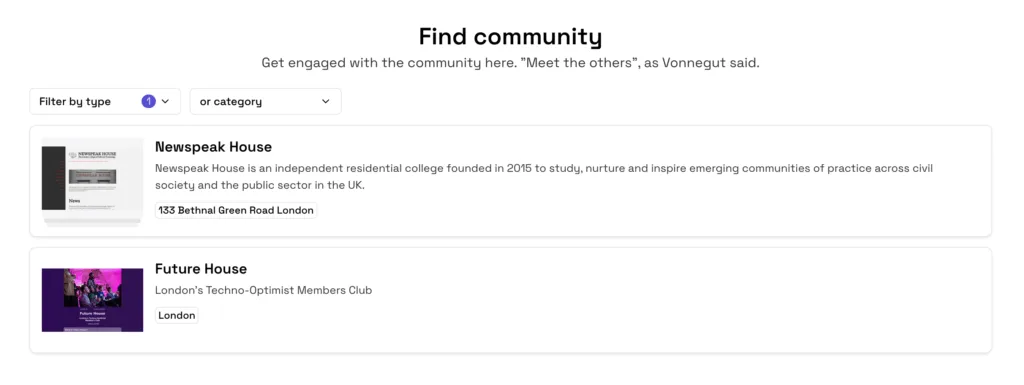
⭐️ Place pages also now have two project sections: One for projects based in the place, and one for projects focused on that place. For example, see the UK page.
⭐️ On category pages, we restored the world map. For example, see the Digital Participation Platforms page.
⭐️ You'll now see relevant events, application deadlines, and jobs on associated category, community, and place pages. For example, see 6 events on the AI category page.
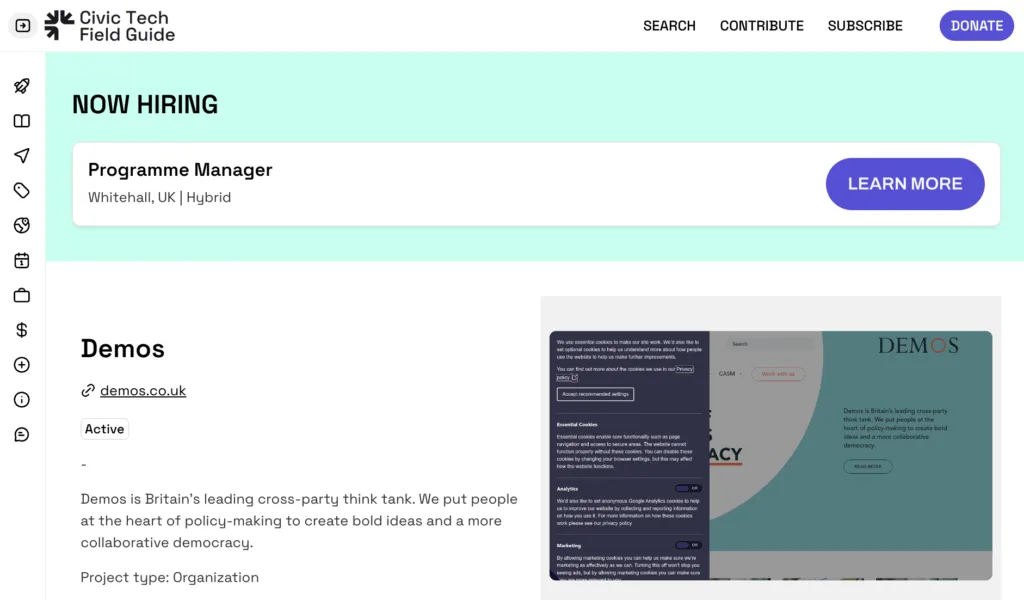
⭐️ Organizations that are currently hiring will have their open job promoted at the top of their profile page. For example, see Demos.
⭐️ Job pages now have the job title in their URL, and the main Jobs page is now sorted to show the freshest jobs first.
⭐️ We added an Upcoming Events & Opportunities block to many of the pages throughout the site.
⭐️ We made the directory search results (on our home page and in the nav search) more legible, and it now returns more results per page.
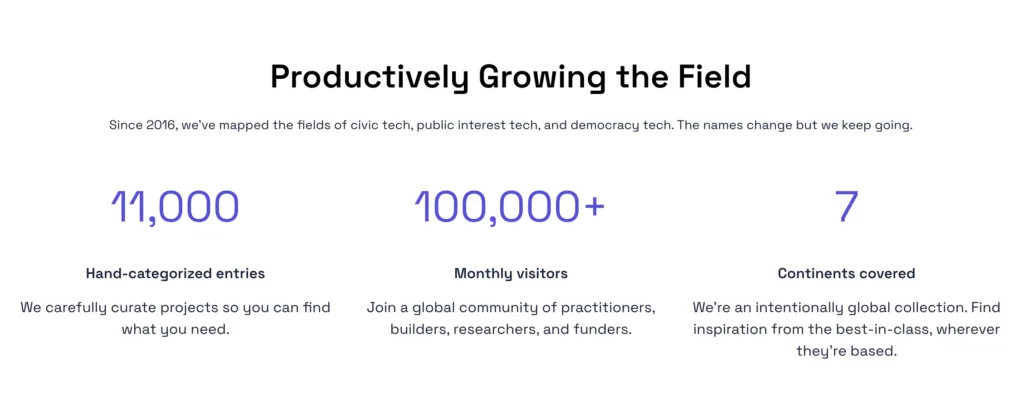
⭐️ We added some vanity metrics to our app homepage. Yup, all 7 continents, thanks to the Polar Citizen Science Collective working in Antarctica.
⭐️ We added 76 Luminate funding records to the recipients' profiles.
⭐️ We linked 1,800 specific funding round records to their funders' profiles on the CTFG, and de-duplicated them.
⭐️ We fixed a bug on the Categories page where top-level category filters weren't updating correctly.
⭐️ We've added more interactive blocks and dynamic page titles to our Community Calendar and Event pages. You can now share permalinks to each event on the calendar.
⭐️ We've added flags to each country.
⭐️ The map on large country pages will now be zoomed out more. For example, the USA.
⭐️ We've created a new category in the Civic Tech Field Guide’s advocacy tech section: Strikes catalogs coordinated refusals to work, organized by a body of employees or citizens as a form of protest in an attempt to gain power in relation to an employer or state. For example, The General Strike US.
⭐️ City and country pages on the Civic Tech Field Guide will now show the upcoming events being hosted there. For example, check out the Barcelona page. You can always share your events here.
⭐️ We made a host of improvements to our various Edit forms, and cleaned up the layout on the Profile template. Things will be more left-aligned now.
⭐️ The London CTFG community came through big as part of our workshop at Newspeak House! Together we:
⭐️ We've made the Categories page more mobile friendly with shorter lists and smaller images.
⭐️ We fixed an issue that was preventing new entries on the Volunteer form.
⭐️ We have a new and improved community calendar page! You can find upcoming events and opportunities at https://app.civictech.guide/calendar. You can view by day, week, or month, share events, and see the most recently added events.

We've added a Fresh Launches block at the top of the directory to highlight the newest projects!
⭐️ We've migrated our Community tags over to the new app. Explore projects by and for: Asian and Pacific Islander, blind, coop, Deaf, diaspora, indigenous, Latinx, LGBTQI, prisoners, refugees, seniors, students, teachers & educators, trans rights, women, and youth communities.
⭐️ You can also now find communities listed in the main Categories page.
⭐️ To reduce confusion with the Community pages, we've renamed Civic Tech Communities to Networks.
⭐️ We added the Current Events (for example Ukraine, Israel Palestine) tags to the Issues table, and as its own separate table.
⭐️ Seeing as its Graveyard month, we identified over 150 dead projects and marked them as Inactive in the collection.
⭐️ Created a tool to automatically convert SVG logos and images to Webp format so they display on the site. You’ll see fewer listings with no image.
⭐️ You can now view projects tagged by their format (book, podcast, etc.) or features (API, SMS, etc.)
⭐️ We've added global maps to category pages. For example, see the Bots category. Also, the maps now hide inactive projects to reduce pin clutter.
⭐️ We fixed our Place pages so that more of the projects based there show up! For example, check out our Myanmar page.
⭐️ Fixed footer links to our LinkedIn page.
⭐️ We fixed the app icon on our mobile app. You'll need to delete and re-install the app to see it, though: Just delete the app on your phone, then go to and press the install icon (the cloud with the down arrow in the lower right corner) to get it back.